
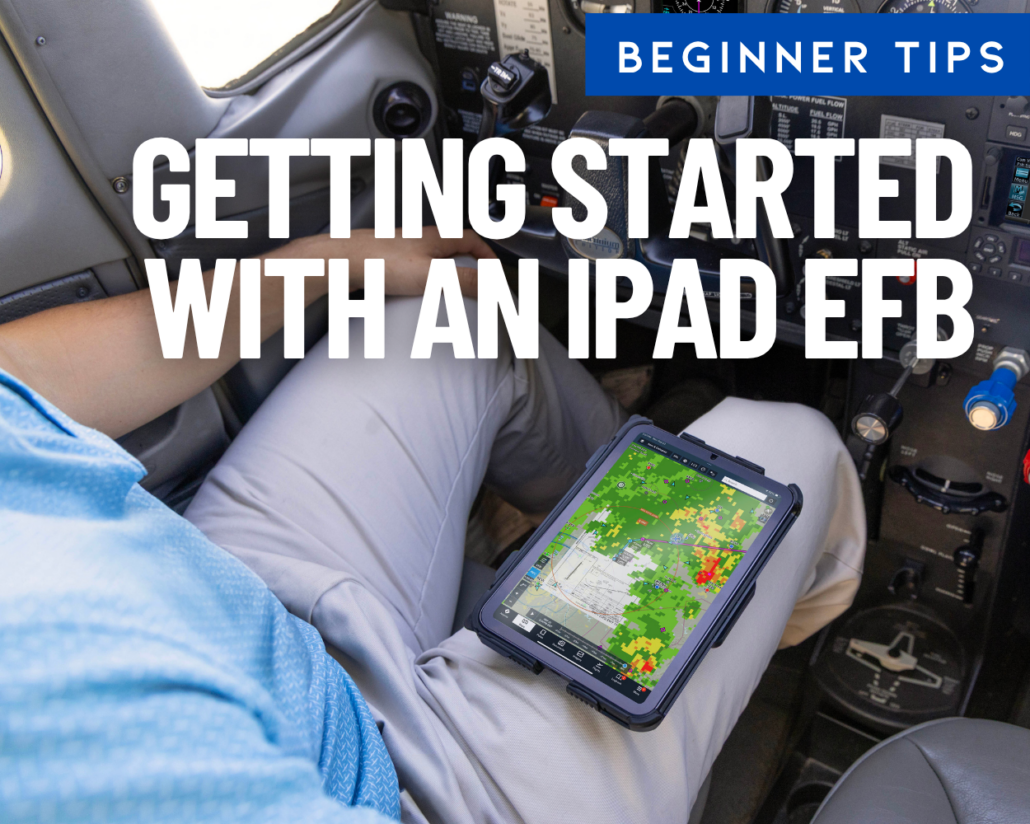
Beginner’s guide to flying with an iPad—how to get started

It’s hard to imagine climbing into a modern cockpit without an iPad nearby. What started as an easy-to-use consumer tablet has evolved into an indispensable digital copilot for pilots everywhere. Whether you’re using it for preflight planning, synthetic vision, or real-time weather, the iPad makes flying safer, faster, and far less cluttered.
If you’re new to flying with an EFB, starting out can feel overwhelming with so many app choices, mounts, and hardware options available. We’ve brought together our top beginner tutorials, legal briefings, and app recommendations into one easy-to-navigate resource to help you get off the ground with confidence.
Step 1: Videos
The best way for any new iPad pilot to start out is by watching some in-depth videos. These resources are packed with information for the beginning pilot:
Flying with the iPad – Your Digital Copilot
-
New to ForeFlight? Check out these essential first steps at ForeFlight.com.
-
New to Garmin Pilot? Check out these tips and tricks at Garmin.com.
Step 2: Which iPad and Which Apps?
- Which iPad Should I Buy?
- Should pilots buy an iPad with built-in GPS?
- Top 20 Aviation Apps
- ForeFlight vs. Garmin Pilot
- Which ForeFlight subscription plan is right for me?
- Top 10 Weather Apps for Pilots
- Top Apple Watch Features for Pilots
- Best Simulator Apps
- Aviation App Directory
Step 3: Essential Operating Tips
- iPad Preflight Checklist
- iPad Settings to Check Before Your Next Flight
- Best Way to Clean Your iPad
- How to Customize Your Control Center
- iPad Frequently Asked Questions
- How to Optimize iPad Battery Life
- iPad Legal Briefing for Pilots
- Flying with your iPad at Night
- What to do when your iPad gets too hot (or too cold)
- App Troubleshooting Techniques for Pilots
- Annual Maintenance Checklist for Your iPad
- Top 10 Mistakes iPad Pilots Make
Step 4: Mounting and Backup Power Options
- Starlink Mini Mounting Options
- How to mount your iPhone in the cockpit
- Best iPad Kneeboards
- Charging Your iPad
- Backup Battery Roundup
Step 5: Accessories
Is there an iPad topic that we have not covered and you’d like to know more about? Post a comment below or send us an email at [email protected].

- Beginner’s guide to flying with an iPad—how to get started - August 13, 2026
- Sporty’s Pilot Training App Adds Integrated Aviation eBook Store - July 3, 2026
- Pro Tips from ForeFlight Power Users Training: Emergency Glide - June 3, 2026


I certainly have went through different mounts, mounting locations while flying a Cessna 172. Now that I am flying a Cirrus SR20 that changes things a bit. With having the flight controls on the side and not in front of you, that allows more lap/leg room and I also find you don’t have to sit as close to the panel on an SR20/22. I have the SR20 Checklist as a document on ForeFlight, don’t really care so much with the MFD checklist option. So my setup now is: iPad 11″ Pro on my lap or strapped to my thigh. For immediate situational awareness, I mount my iPhone 17 Pro to the side of the windshield. I use the ForeFlight Scratch Pads for ATIS, CRAFT, Taking Notes, and I do love a bigger view of the airport diagram and taxi ways. BTW, I am also using an Apple Pencil Pro.
I hope all CFIs discuss using an EFB early on in the training. I think it is great to teach the student the basics with a Sectional and E6B, but only at the beginning. Once they’ve demonstrated they have the concepts down, the use of an EFB should be discussed.
I know of at least one school that does not want EFBs used during training. So this means they cut their new Private Pilots loose to BURY THEIR HEAD INSIDE THE COCKPIT as they try to learn to use their new EFB.