
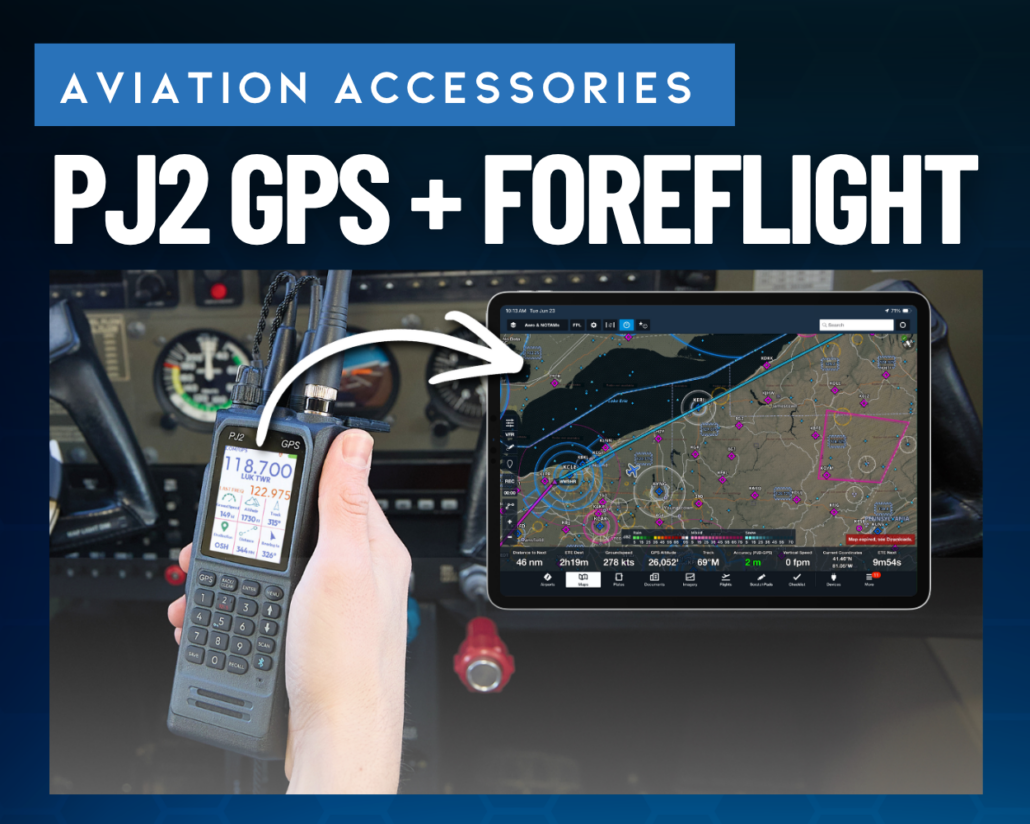
How to Use the PJ2 GPS Radio with ForeFlight
The new Sporty’s PJ2 GPS handheld radio does more than provide backup communications—it can also send GPS position data directly to ForeFlight. That means even if your iPad doesn’t have an internal GPS, or your panel connection or portable receiver is unavailable, the PJ2 GPS can provide a reliable backup position source for moving map navigation.
The setup only takes a minute and doesn’t require a software update or additional subscription. Simply enable Bluetooth and GPS output on the radio, then connect directly through ForeFlight’s More > Devices page (not through the iPad’s Bluetooth settings).
Watch the video below for a complete walkthrough of the setup process and see the PJ2 GPS working with ForeFlight in action.
Once connected, the PJ2 GPS automatically provides position data to ForeFlight whenever it’s needed, adding another layer of redundancy to your cockpit. Even if you don’t fly with ForeFlight, the radio still includes a built-in waypoint navigator for standalone backup navigation.
The PJ2 GPS is available for $399.95 at Sportys.com.

- Sporty’s Pilot Training App Adds New Video Lessons and Test Prep for 2027 - October 22, 2026
- 5 Ways to Make Your iPad EFB Less of a Distraction - September 23, 2026
- The Sporty’s Pilot Training App Adds a New Garmin Autopilot Course - September 2, 2026


Awesome radio!
Do you sell it in Europe too?
John