
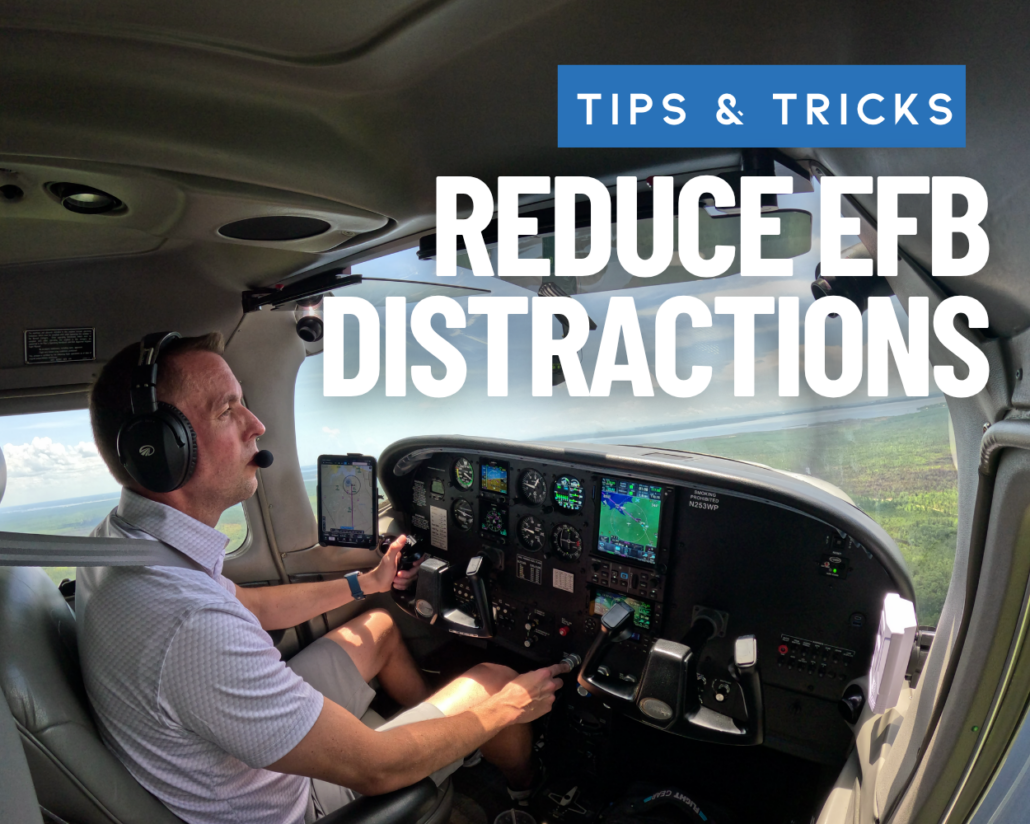
5 Ways to Make Your iPad EFB Less of a Distraction
Your iPad can put charts, weather, traffic, navigation, flight planning, and a lot more within easy reach. And with all that capability comes the issue of information overload and potential distractions. The goal should be to make your iPad easier to use when you’re busy flying the airplane, but without sacrificing capability.
Here are five ways to do that.
1) Turn Off Notifications You Don’t Need
Few things are more distracting than a notification that has nothing to do with the flight you’re currently flying. Email, text messages, news alerts, social media notifications, calendar reminders, and other apps can all compete for your attention sometimes at the worst times. Even if you don’t respond to them, the notification itself can be enough to pull your eyes away from the airplane.
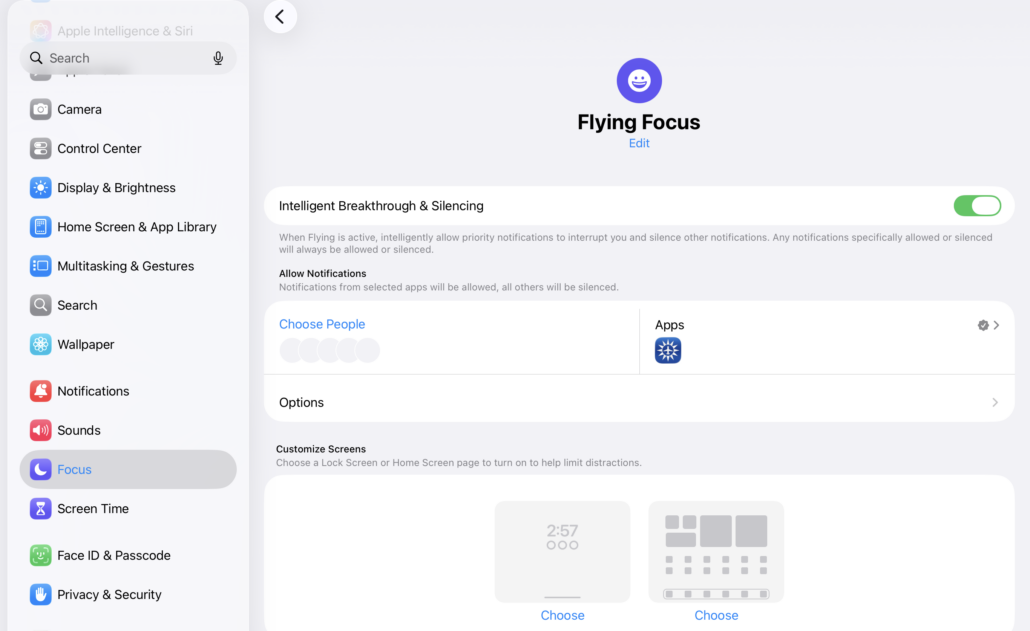
Consider using your iPad’s Focus settings to create a dedicated mode for flying. That way when you’re in the pilot’s seat, the only notifications reaching you should be the ones you actually need. And don’t wait until you’re taxiing to figure this out. Set it up at home or in the hangar and make sure it works the way you expect.
2) Simplify Your Screen
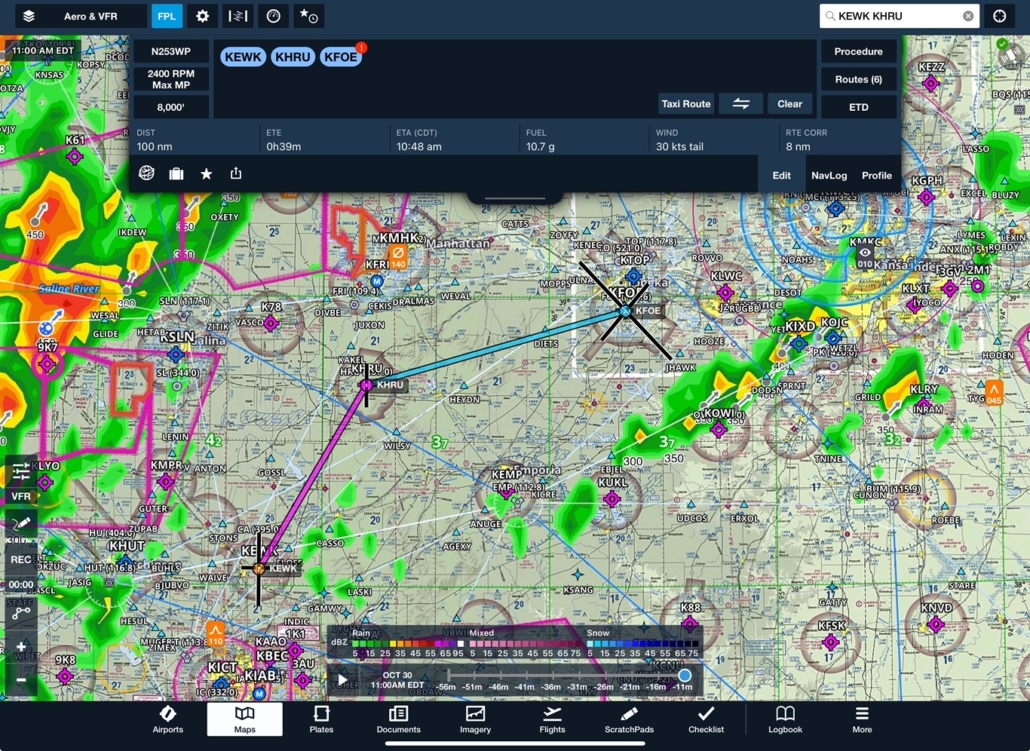
Your iPad EFB can display an enormous amount of information. That’s one of their greatest strengths but do you really need every available map layer turned on? Does your screen need to show information that you rarely use? Are there overlays you routinely have to work around to see what matters?
Spend some time configuring your EFB app around the information you actually use. In ForeFlight, for example, customize the map display and choose which layers and information are visible and important to you which could depend on the nature of the flight. The exact setup will vary but remember that more information isn’t necessarily more useful information.
3) Put the iPad Where You Can Use It Without Hunting for It
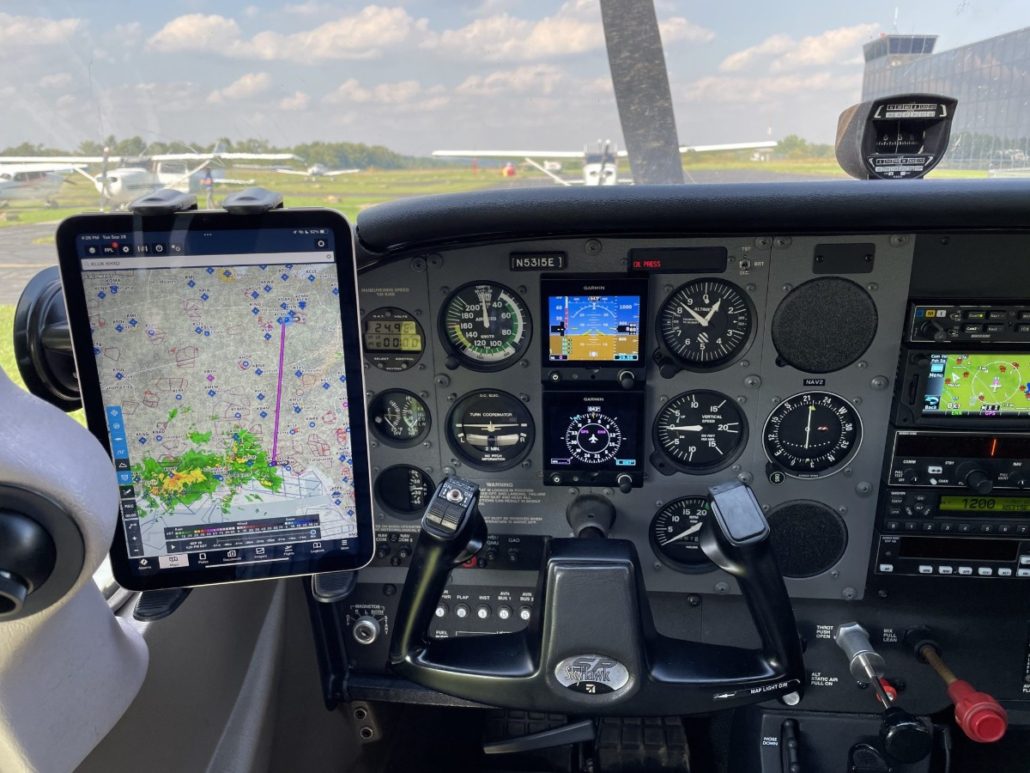
EFB distraction isn’t always caused by what’s on the screen. Sometimes it’s caused by where the screen is. An iPad mounted too low, too far away, or at an awkward angle can require more head movement and more attention than necessary. Glare can make things even worse.
Think about how you’ll actually use the iPad in flight. Can you glance at it without taking your attention away from the primary flight instruments? Can you reach the controls without awkward movements? Is the screen positioned so that you aren’t constantly fighting reflections?
There’s no single best mounting location for every airplane, but taking the time to figure out what’s best for your next flight is well worth the effort.
4) Be Selective About Alerts
An alert is useful when it tells you something you need to know. Too many alerts, however, can make it harder to recognize the important ones. This applies to both visual and audio alerts. If your iPad, panel avionics, traffic system, and other devices are all competing for your attention, take some time to understand what each one is telling you—and whether you really need every alert enabled.
It’s also worth considering how you’ll respond to an alert before you enable it. Is it simply providing useful situational awareness, or is it telling you that something requires immediate action?
The goal should be to make sure that when your EFB alerts, there’s a good reason for it.

5) Know Where Everything Is Before You Take Off
One of the worst times to learn how your EFB app works is when you’re already busy flying the airplane. Before takeoff, make sure you know how to quickly access the information you’re likely to need. Know where your charts are located. Know how to find airport information. Know how to edit your flight plan. Know where to find weather information. And make sure the information you expect to have available actually is available offline.
This becomes especially important when something changes. If ATC gives you an unexpected reroute, you don’t want to spend the next few minutes figuring out how to edit your route while also trying to keep up with the airplane and the radio.
A few minutes of preparation on the ground can eliminate a surprising amount of workload.
Make Technology Transparent
The best EFB setup isn’t necessarily the one with the most features turned on. It’s the one that gives you the information you need, when you need it, without introducing unnecessary distractions. Take a few minutes before your next flight to turn off the distractions, simplify the display, check the mounting position, review your alerts, and make sure you know where everything is.

- Sporty’s Overhauls Study Buddy Test Prep Apps for iOS - November 6, 2026
- Sporty’s Pilot Training App Adds New Video Lessons and Test Prep for 2027 - October 22, 2026
- 5 Ways to Make Your iPad EFB Less of a Distraction - September 23, 2026


Good suggestions, but I’d add practice, practice, practice. I few with a guy the other day who fumbled and flipped around with his iPad to distraction. And this was a simple local VFR flight.
I’m gearing up now for a big (for me) trip in October. I chair fly the various routes, imagine problems, and learn how to find the metars and frequencies for alternatives quickly. And lately, I plot and fly every flight in the local area just to build muscle memory.
Practice with and Master ForeFlight before you fly with it.
Good tips!
I use the same mount as in the picture featuring N53153. RAM mount suction cup to the wide window with iPad mini 6. It seems every 4th flight it pops off and drops to the floor. Even attaching it at altitude to try to get extra suction doesn’t change the outcome. Let’s just say that could be a major distraction if it happens in a critical phase of flight. So far it’s only happened in cruse.
Jessie. That happened to me twice. My solution was to wet the suction cup a little and the it is solid as a rock.
This could have been a very helpful article…………..however, having someone with a STRONG accent and speaking very fast—one finds that they are trying to UNDERSTAND the quickly spoken, strong accented words!!!!!
Also, give us either a SPECIFIC location on how to turn off iPad functions or better yet break the article into a training session and SHOW the listener how to turn off functions
Thank you for the tips. I fly an SR20 G3 with Perspective so I truly use the iPad for situational awareness during flight. I do not even mount the iPad on the windshield or the door, it is usually sitting on my lap or strapped to my thigh, it is the 11″ iPad Pro. For the 11″ iPad I will use the ForeFlight provided scratch pads for things like ATIS, CRAFT, etc. I do use an Apple Pencil for that. I will also use it for Taxi instructions to be sure I am following the dictated taxiways. For my SR20 G3, I also use the PDF version of the Cirrus Checklists rather than trying to do that through the MFD and clicking buttons. For situational awareness, I have my iPhone 17 Pro suctioned to the side of the windshield but again, only for situational awareness/traffic.