
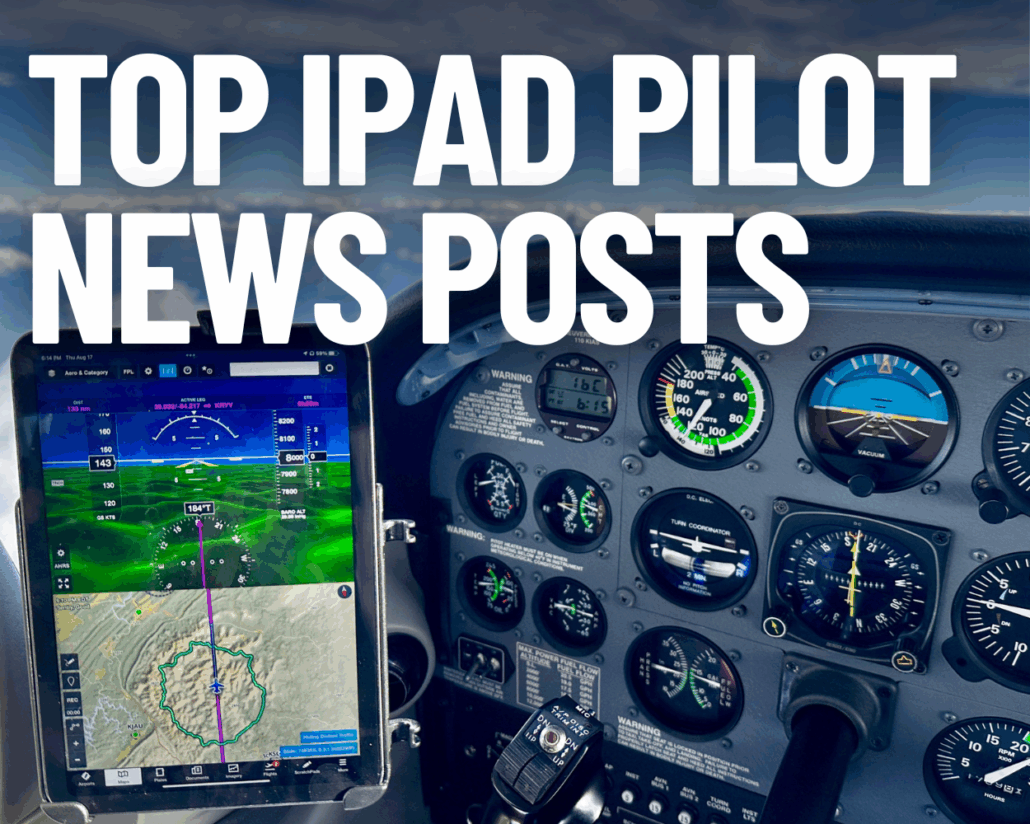
Top iPad Pilot News Posts for 2025
|
Getting your Trinity Audio player ready...
|
As 2025 winds down, one thing is clear: iPads remain at the center of how pilots plan, fly, and learn. From choosing the right hardware to getting more out of the apps and settings you already use, iPad Pilot News readers spent the year searching for practical, real-world advice they could use in the cockpit. To wrap up the year, we’re counting down the 10 most popular articles of 2025—stories that answered common questions, solved persistent frustrations, and helped pilots get more reliability and performance from their iPads in flight.
10) Six ForeFlight Features You Probably Aren’t Using
Most pilots open ForeFlight to check the weather, file a flight plan, or download charts for their next trip. Those core functions are so useful that it’s easy to stop exploring beyond the basics. But tucked away inside the menus and tabs are dozens of smaller tools—features that can save time, reduce workload, or even add a layer of safety. If you haven’t poked around in a while, here are six hidden gems worth a closer look.
9) The 10 Best Weather Apps for Pilots—2025 Edition
Thunderstorm season is here, and for pilots that means one thing: weather awareness becomes even more critical. Fortunately, your iPad or iPhone can deliver powerful weather tools right to your fingertips—no need to dig through a clunky website. But with thousands of weather apps in the App Store, how do you know which ones are worth your time?
8) Top 10 Mistakes iPad Pilots Make
Everyone was once a beginner with the iPad (even if some of us don’t like to admit it). And like most things in life, we move from beginner to expert by trial and error. Along the way, many of us made some mistakes with the iPad and aviation apps. But don’t feel bad – most pilots make the same ones at least once.
7) How to Improve Your iPad’s Battery Life
One of the iPad’s most underappreciated features is its fantastic battery life. Even with a high-resolution screen and a powerful processor, Apple’s tablet offers a battery life of 4 to 6 (or more) hours in the air—better than almost every other competing tablet. This is a huge advantage in the cockpit, as it’ll last for the duration of all but the longest flights.
6) Pilot’s Aviation App Directory – 2025 Edition
iPad Pilot News has helped pilots discover over 100 quality aviation apps since the invention of the iPad in 2010. Here we’ve assembled a basic directory to help you locate and download them in the App Store. This certainly doesn’t represent every aviation app ever created, but it highlights some of the most useful and most popular ones.
5) What’s the Best iPad for Pilots – 2025 Holiday Edition
The original Apple iPad was released nearly 16 years ago on April 3, 2010. Since then, Apple has continuously improved the tablet, upgrading its storage capacity, screen resolution, processor, connectivity options, and form factor. The iPad Pro 11″ and 13″ are the top-end models currently available, and represent an enormous leap in performance over the original iPad.
4) Eight iPad Settings All Pilots Should Know
The Settings app was fairly basic when the iPad was first released in 2010, providing control of the Bluetooth and Wi-Fi wireless radios, screen brightness and email account settings. Fifteen years later, it has evolved into a collection of hundreds of settings, with multi-tier menus that can make it difficult to find what you’re looking for.
3) Flying With Starlink Satellite Internet: Tips for Pilots
In-flight satellite connectivity is more accessible now than ever for pilots flying piston airplanes and light jets. We’ve covered the developments extensively over the past year, starting with the latest iPhones supporting free satellite text messaging. In recent news, T-Mobile added text message capability via satellite using the direct-to-cell capabilities of Starlink, and Verizon added a similar service for those with certain Android phones this past week. Lastly, Garmin’s inReach Plus provides a dedicated hardware solution for more reliable and robust in-flight messaging and supports sending pictures.
2) iPad Storage Full? 8 Ways to Free Up Space Before Your Next Flight
It has happened to almost every pilot: you’re ready to download a new app or update your charts for an upcoming flight, and you get the dreaded “iPad Storage Full” message. Over time, as you download more apps, take more photos, and store more aviation data, your device can run out of space—usually at the worst possible time. Fortunately, it only takes a few minutes to clean things up and free up space before your next flight.
1) iPad Charging Tips for Pilots—It’s All About the Watts
One of the standout features of the iPad is its long battery life—a fully charged battery should last you about 9-10 hours for everyday tasks like accessing the internet, and 4 to 5 hours when using it in the airplane to navigate. Even though most general aviation flights rarely last that long, it’s always a good idea to charge the iPad the night before your flight and start with a full battery. In fact, running out of battery power is about the only problem we’ve had in over a dozen years of flying with the iPad.

- ForeFlight Video Tip: Sharing Your Flight - March 10, 2026
- ForeFlight Video Tip: Creating Flight Binders - February 6, 2026
- ForeFlight Video Tip: Creating a Weight and Balance - December 29, 2025


Leave a Reply
Want to join the discussion?Feel free to contribute!