
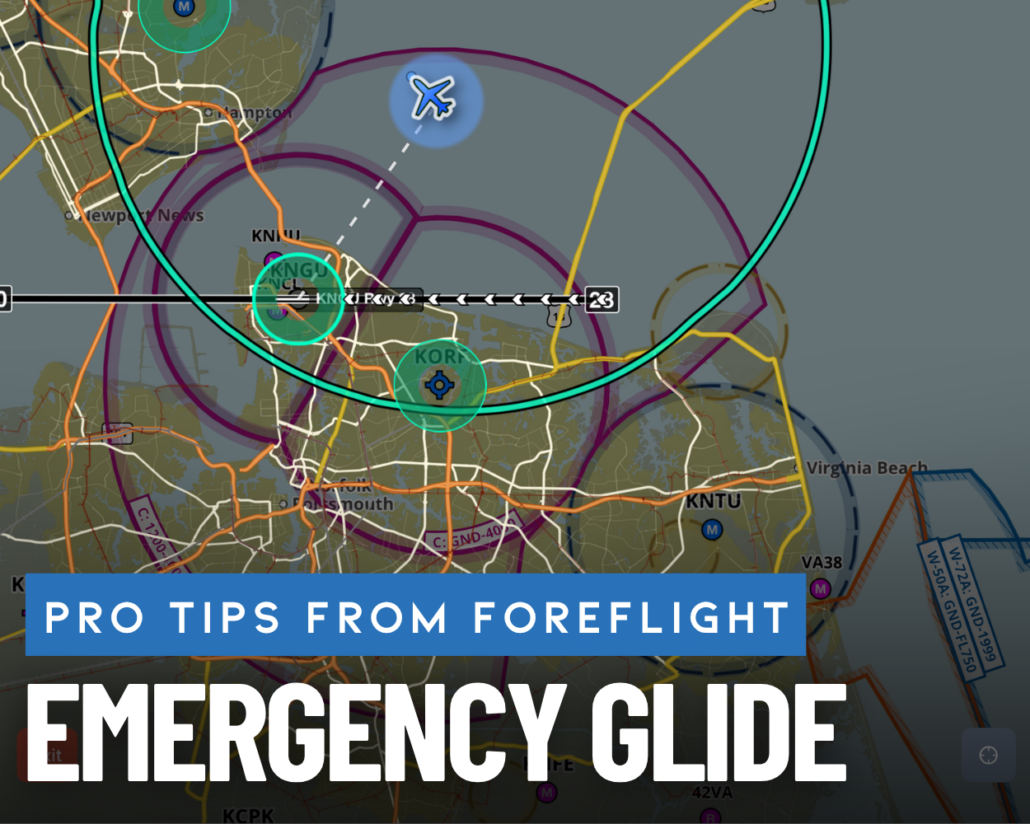
Pro Tips from ForeFlight Power Users Training: Emergency Glide
Pro Tips from ForeFlight Power Users Training is a recurring series from iPad Pilot News featuring selected lessons from the comprehensive training course developed by ForeFlight and available on the Sporty’s Pilot Training app. Each installment highlights practical tools and workflows that can help pilots get more out of ForeFlight.
Engine failures are rare, but every pilot knows the importance of being prepared when the unexpected happens. One of the newer safety-focused features in ForeFlight is Emergency Glide Mode, which automatically calculates your wind-corrected glide range, highlights reachable airports, and identifies potential landing sites during an engine-out emergency.
In this lesson from the ForeFlight Power Users Training course, you’ll learn how the feature works and how it can help simplify decision-making during a high-workload situation.
Continue Your Training
Emergency Glide Mode is just one of dozens of advanced features covered in ForeFlight Power Users Training. The course includes more than five hours of instruction covering advanced flight planning, IFR procedures, weight and balance, performance calculations, inflight tools, and ForeFlight Logbook features.
The course is available exclusively in the Sporty’s Pilot Training platform for just $75.


- Beginner’s guide to flying with an iPad—how to get started - August 13, 2026
- Sporty’s Pilot Training App Adds Integrated Aviation eBook Store - July 3, 2026
- Pro Tips from ForeFlight Power Users Training: Emergency Glide - June 3, 2026

