

How to use Documents in ForeFlight Mobile

Save and read a wide variety of documents with ForeFlight.
For many pilots, the iPad has become an all-in-one resource in the cockpit, storing charts, flight plans, weight and balance data and even logbooks. In addition to these functions, pilots need to carry a lot of documents, including scanned versions of paper files. While there are a number of stand-alone document viewers, up until now, this has meant switching apps in flight–not always a good option if you’re viewing maps or weather.
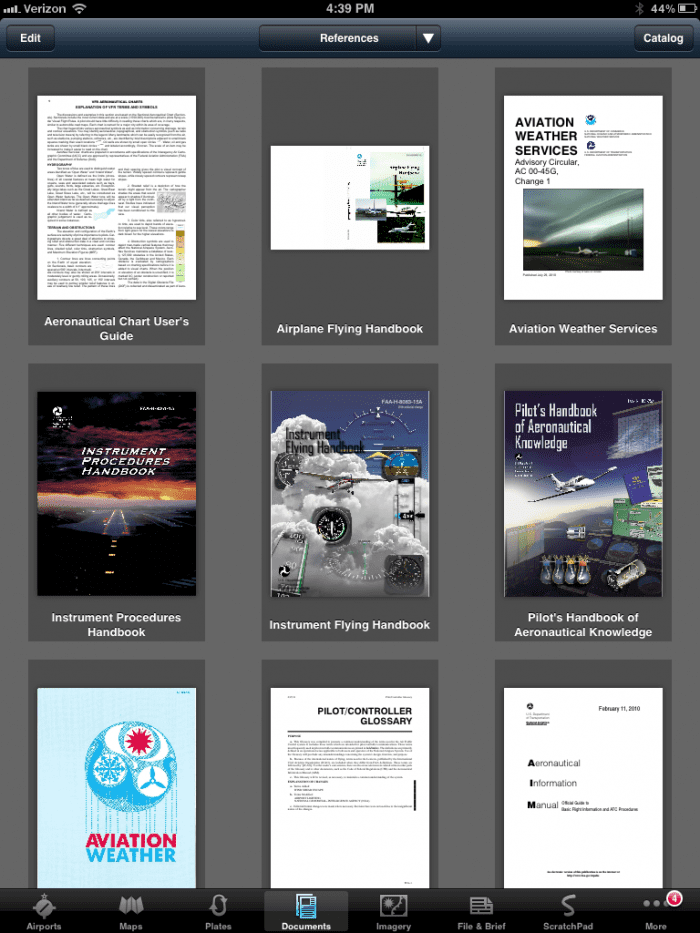
But there’s an easier way now. Beginning with version 4.4, ForeFlight Mobile added a new tab to their main menu–Documents. This powerful document viewer and organizer is a great way to find and carry a wide variety of useful products. The nice part about ForeFlight is that there is a built-in catalog of helpful files. Just tap on the Catalog button at the top right, pick a document and ForeFlight adds it directly to your stored library:
- FAA and NavCanada chart legends (what do all those symbols mean?)
- Airport/Facility Directory “front of book” information (preferred routes, frequencies, phone numbers)
- FAA handbooks (study for your next license or rating anywhere you have your iPad)
- ForeFlight Pilot’s Guide (become an expert user of the app)
- Enhanced Class B airspace graphics (not easily displayed on the Map tab)

The built-in documents catalog in ForeFlight has a number of useful items.
Pilots can also add their own documents, which is ideal for aircraft manuals or other reference data. Specifically, ForeFlight accepts PDFs and image files (PNG, JPG, TIF, GIF). You can import files into ForeFlight by viewing a document in another app, like Safari, Mail, Dropbox or GoodReader. Tap the arrow button, which will show an “Open in…” window, then choose ForeFlight. Alternately, files can be brought into ForeFlight by syncing your iPad with iTunes, although this isn’t as easy.
To stay organized, pilots can create document binders, just like on the Plates tab. Tap the My Documents menu at the top center of page, then tap + to create a new binder. This is a great way to organize imported documents by aircraft if you fly different models.
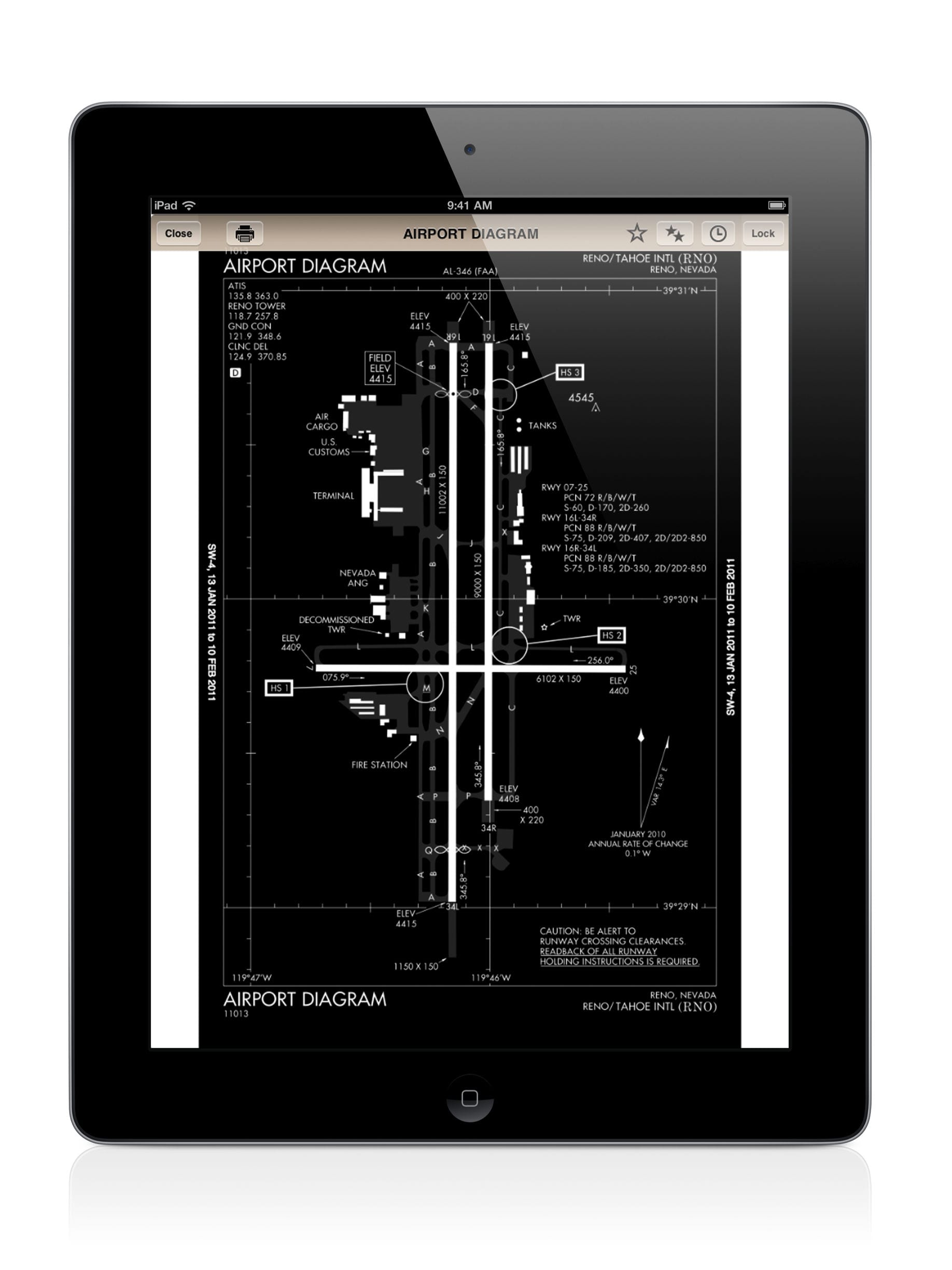
You can also bookmark, email and print documents right from ForeFlight. Because it uses the larger screen, this feature is available on the iPad only.
ForeFlight also has a video showing off the features of Documents:






What you can’t do is take a picture (.jpg) and use it in ForeFlight Documents. It doesn’t work even if you email it to your own Ipad. It still won’t open. To open such a .jpg, you must go through itunes – a lot of trouble. Not worth it.
That’s too bad becuase there are times when I wanted to photo a chart or reference from the POH and use it in ForeFlight. References like cruise charts, Pressure Altitude Charts, Cross wind charts, etc. are great quick references that would be nice to have readily available in the program.
While I can’t readily get them in ForeFlight, I can still see them in the photo section of the Ipad. That’s not as convenient as in ForeFlight itself.
I also found that to be true. There’s probably a way to do it, but I found a quick solution was to convert the image to a PDF then import it. I have an old Windows application called Print to PDF that is selectable in the print dialogue box. Newer programs may already have this capability available.
Good point. Although that involves another PC, it does work in ForeFlight. Thanks for the tip…
You can also take a picture or screen shot (perhaps a radar image) and then use a free jpg to pdf converter installed on your iPad. he one I use is Photo to PDF. Open Photo to PDF, access your photos (your screen shot will be there too), then select “Open in ForeFlight”. It’s that easy and can be done in 30 seconds once you install Photo to PDF on your iPad. I use it often and it’s ideal for capturing things you may need when no longer on WIFI. Try it, you’ll like it.
Will Foreflite ever have plain English Weather?
Thanks
You can view plain English METARs and TAFs in the airport page.